React Native · Expo · Android + iOS
It runs on
your phone.
Not a mockup. Not a web page in disguise. Describe your app, scan a QR code, and a real React Native app boots on your actual device — database and login included.
no Mac · no Xcode · no Android Studio
Describe
Pick React Native, type your idea — screens, data and login get planned and written for you.
Preview
A phone-sized live preview boots in the browser while it builds. No simulator.
Scan
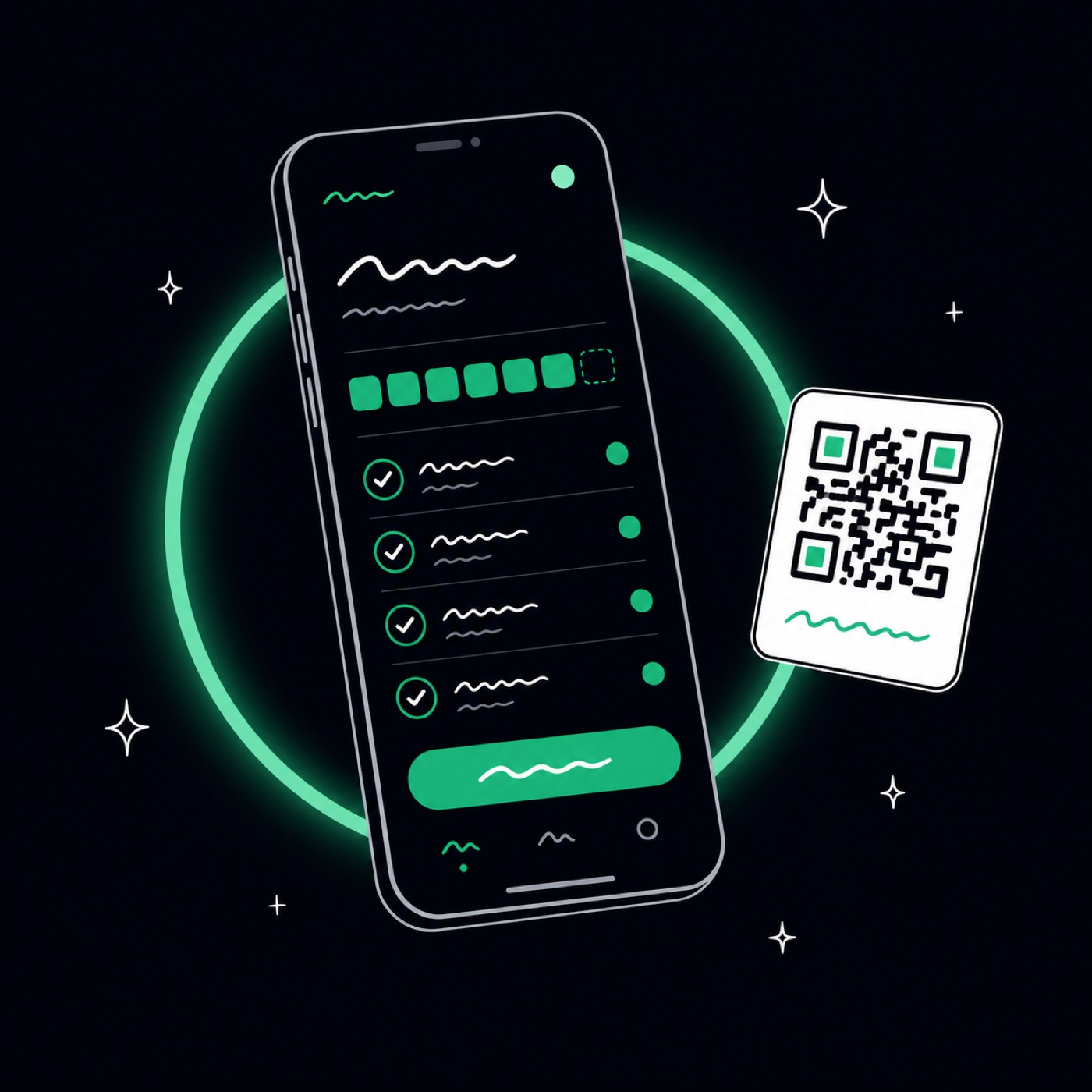
Open Expo Go, scan the QR — your app runs on your real device and live-syncs as you edit.
Ship
Export the full Expo project and submit to both stores with EAS. Your code, your accounts.
Most "mobile" from AI builders is fake
When a typical AI website builder says "mobile app", it means one of two things: a responsive web page that shrinks to phone width, or that same page wrapped in a WebView shell so it can pretend to live on a home screen. Both fall apart the moment users expect real app behaviour — native gestures, smooth lists, an icon in the store, offline resilience.
Kashvi takes the other road: React Native. Your prompt becomes a genuine native app — the same technology behind Discord, Shopify and Coinbase — with real native views on Android and iOS from one codebase. It talks to the same real backend as Kashvi web apps: actual sign-up, actual login, a database scoped per user.
The difference is something you can feel in ten seconds: scan the QR code with Expo Go, and the app is running on YOUR phone — not a simulator, not a mockup video. Hand it to someone. That moment is the whole argument.
Most AI builders stop at a web page.
This one hands you an app.
True native rendering
React Native draws real native views and gestures — the tech behind Discord, Shopify and Coinbase. It feels like an app because it IS one.
One codebase, both stores
Android and iOS from the same project. No double work, no “mobile version later”.
Backend included
Real sign-up, login and a per-user database from the first prompt — your phone app talks to production infrastructure, not localStorage.
Live on device while you build
Expo Go streams your app to the phone. Change the theme in the studio, watch it change in your hand.
Standard ecosystem
The export is a normal Expo project any React Native developer can pick up and extend.
Honest store path
EAS builds the binaries with YOUR Apple & Google accounts — we give you the exact steps, not false promises.
Straight answers
Is this a real native app or a website in a wrapper?+
It is a real React Native app. React Native renders true native UI components on Android and iOS — the same technology behind apps like Discord, Shopify and Coinbase. It is not a WebView wrapper around a website.
How do I test the app on my phone?+
Install the free Expo Go app (App Store / Play Store), then scan the QR code Kashvi shows you. Your app boots on the device in seconds and live-syncs while you keep editing. No developer account or cable needed.
Can I publish to the App Store and Google Play?+
Yes. Export your project as a standard Expo codebase and build store binaries with EAS using your own Apple/Google developer accounts. Kashvi includes an honest step-by-step guide — store review is Apple’s and Google’s process, so timelines are theirs.
Do mobile apps get a database and login too?+
Yes — the same backend as web apps: real sign-up/login and a per-user database from the first prompt. Your phone app talks to it over the network exactly like a production app.
Do I need a Mac, Xcode or Android Studio?+
No. Building, previewing and phone-testing all happen in the browser + Expo Go. You only need Apple/Google developer accounts at the very end, when you submit to the stores.
Does Kashvi support Flutter or native Swift/Kotlin?+
Not yet. Today Kashvi ships React Native — one codebase that runs on both Android and iOS. Flutter and fully-native tracks are on the roadmap.